Learn How a Handlettered Font Is Made: A Little Insight Into My Process
How a Handlettered Font Is Actually Made
A finished font file is a pretty small thing, but it does a huge amount of work for you! You download it, install it, open your favorite design program, and start typing. What you don’t see is everything that happened before that little .otf or .ttf file landed in your downloads folder. I touched a bit on my process earlier in the month, and it seems like y’all wanted a little more insight into my process, so here we go!! Here’s a little glimpse into my process!
When I make a handlettered font, I start with actual lettering and then spend a surprising amount of time turning that lettering into something usable. Here’s what that process looks like for me, the majority of the time! (Because I definitely deviate from time to time, it’s good for the creative process!)
Step 1: Draw the lettering
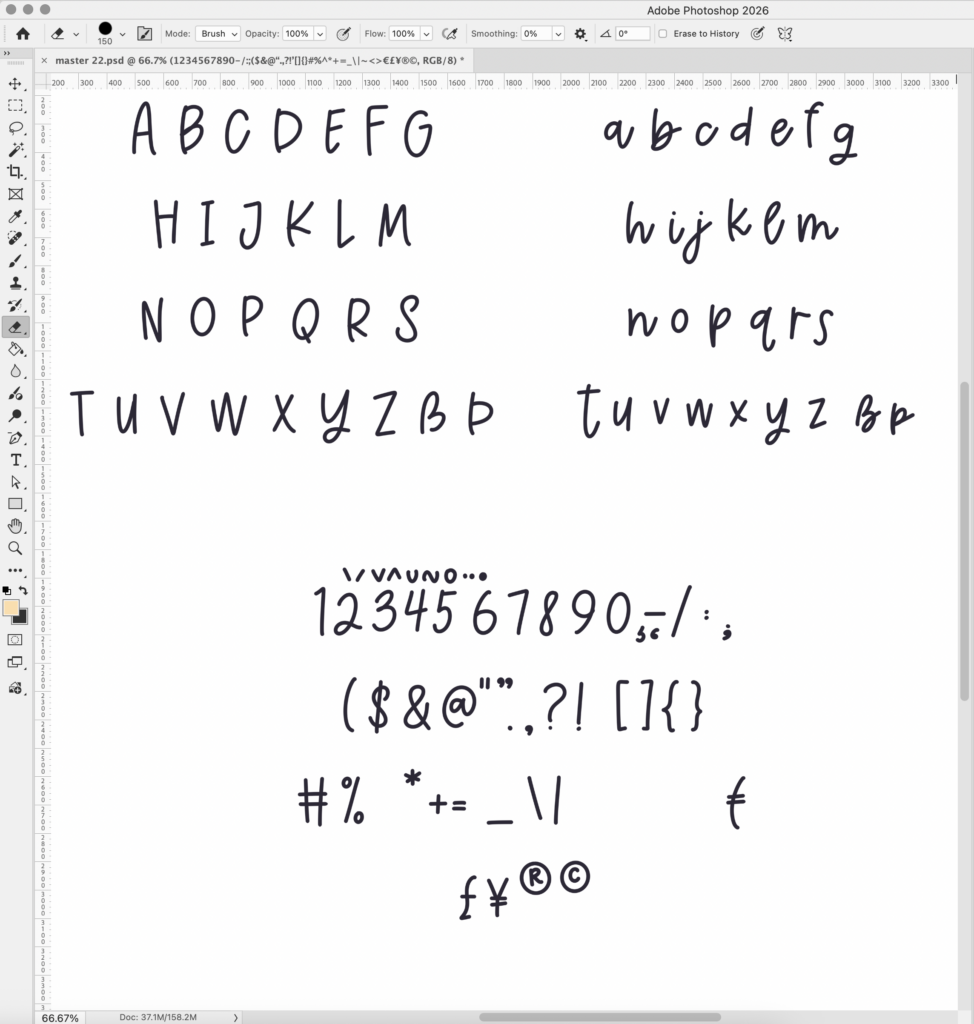
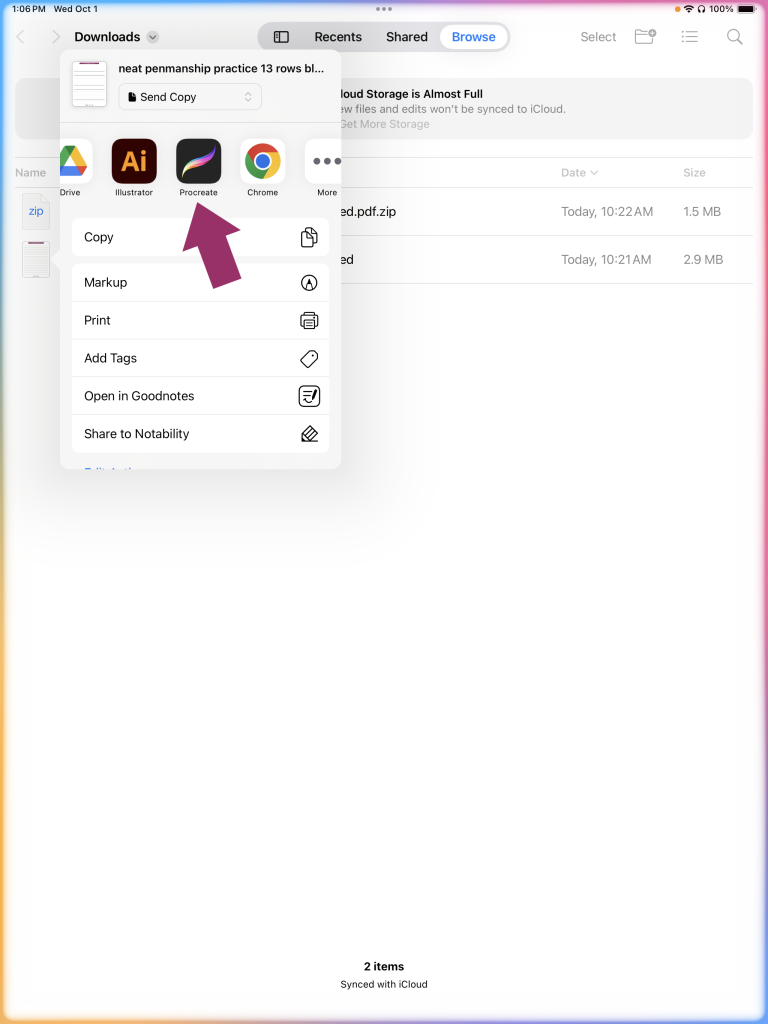
The first step is, unsurprisingly, making the lettering. (You’re like, wow, thanks genius!) Like I’d mentioned before, I almost always letter on my iPad with my Apple pencil. The program I’ve used for years is Procreate. Thankfully, it’s not just a one-brush program where everything looks the same. Procreate comes with some pretty cool stock brush options for calligraphy, pencil, pen, and so on. I personally like creating my own brushes so that it’s the most perfect fit for the idea brewing in my head.
If you’re considering learning font design, you should know that the lettersets you create need to go beyond just letters. You’ll need a full alphabet, but you also need numbers, punctuation, symbols, and language support. I always include Western European language support. It’s always a good idea to make sure that your future font can be used by many people.
Don’t be afraid to draw multiple versions of letters. You can choose the very best version of each letter…or maybe include alternate characters if you can’t decide. It’s definitely acceptable, and encouraged, to draw multiple letters when you’re in the initial creation stages. Sometimes getting the right look means drawing a letter approximately a bazillion times before you decide that that one is the keeper.
Step 2: Get your letters from point A to point B
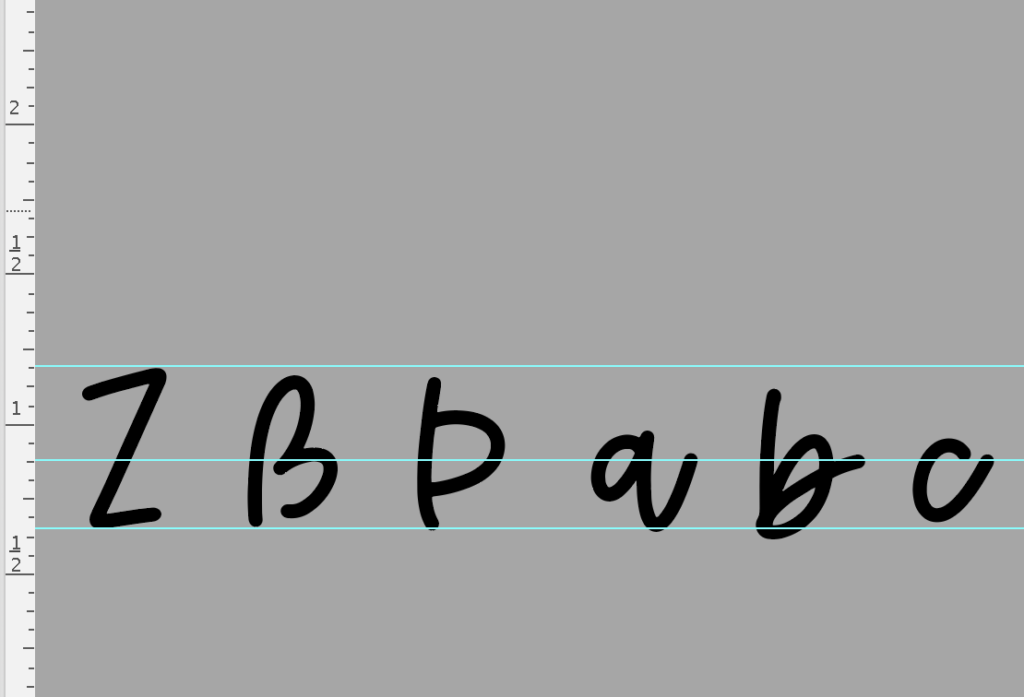
Once the lettering is drawn, each character needs to be converted into a usable vector shape. I use Illustrator for that. And then, the clean-up process begins. Fix exit stems. Smooth out unsightly bumps. Make other adjustments. Line things up for an initial visual test.
Step 3: Make the letters work together in the programming phase
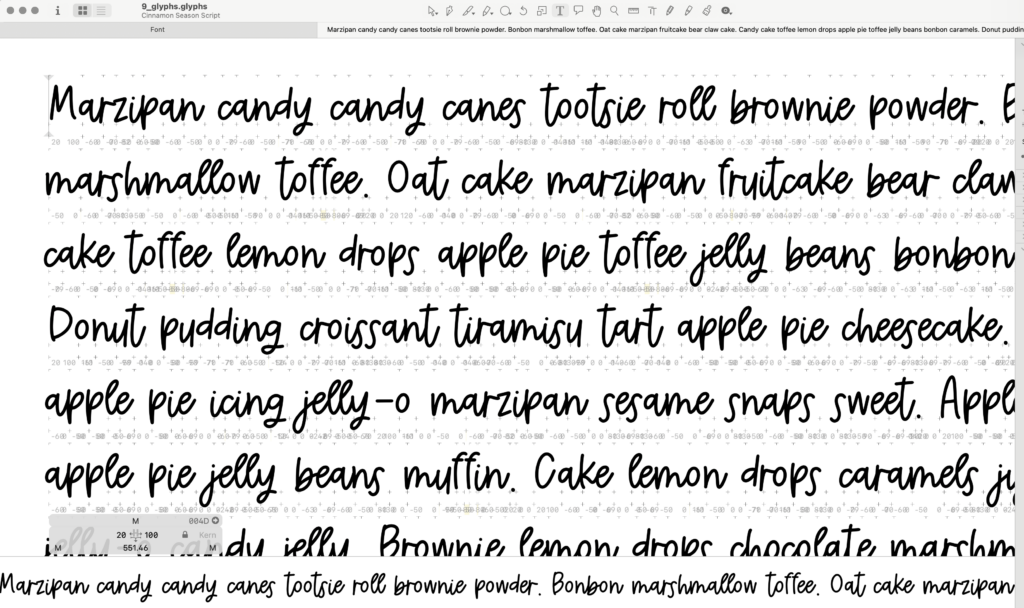
This is one of the less obvious parts of font design, I think, for people that are not immersed in the process on the daily. For a font designer, this is HUGELY important. If you want a professional grade font, you can’t just pop the character set into any program that says it’s a font design program. I mean, I guess you could, but you might not be happy with the result. I use Glyphs; it’s an industry standard font design software that allows you full control over every important aspect of the font.
A letter can look great by itself, and most of the time they do…but depending on the letter combo, it might look like a hot mess. Thank goodness for ligatures and alternate characters. Handlettered fonts have a certain imperfect quality, so it seems silly to can a really nice character just because it doesn’t work well or look fab next to other characters. Spacing has to be adjusted so words don’t look too spread out or crowded. Certain combinations need special attention, so kerning is a must. With script fonts, connections between letters have to look natural so for any incredibly awkward letter pairs, I create ligatures. The tricky part is that most of the time, I don’t even realize some letter combos are horrible until I get to this phase…so then, it’s back to the iPad to create additional characters so that everything works well together. Sometimes, it really ends up being a back & forth situation.
Step 4: Add the extras
You don’t have to do it this way, but I add my extras in at the end. Extensive testing usually reveals gaps and needs, so those get added in after the core has been programmed. Depending on the font, I might add alternate letters, stylistic variations, swashes, ligatures, decorative characters, or other special features. These extras can make a huge difference when you’re using a handlettered font for logos, invitations, signs, crafts, or other designs where you want the lettering to feel more custom.
Step 6: Test it. Then test it again.
…And then…yep, you guessed it. Test it again. At this point, the font may look finished.
It isn’t.
And even prior to getting to the testing phase, you can bet I’ve been testing all along.
Details, details, details. I test the characters in actual words and phrases because that’s where problems tend to show up. I do letter pairings in every case combinations, and I love a good, fun ipsum. Cheese ipsum and cupcake ipsum are my favs. I also test different sizes and applications. This is particularly important for fonts intended for Cricut and other cutting machines. A font needs to do more than look good on a computer screen. The shapes need to translate well when they’re turned into actual cuts.
The best test of a font is using it. I like to see how a finished font behaves in real projects rather than only looking at a specimen sheet. I create with the font and figure out appropriate use cases, and even when I think I might be done, sometimes I have to go back and make additional edits and rework some stuff. (I’ve even called a font complete and set off to work on branding images so that I can release the font into the wild and realized I still had a few more adjustments!)
A font might end up being used for a logo, a wedding invitation, a Cricut project, a tumbler, a social media graphic, a sign, a journal page, or any number of things I never would have thought of when I started drawing it. That’s one of my favorite parts of making fonts. I create the lettering, but I don’t get to decide what it eventually becomes. It’s so fun to see it in the wild, or have my customers send over pics of their creations.
Learn How a Handlettered Font Is Made: A Little Insight Into My Process Read More »