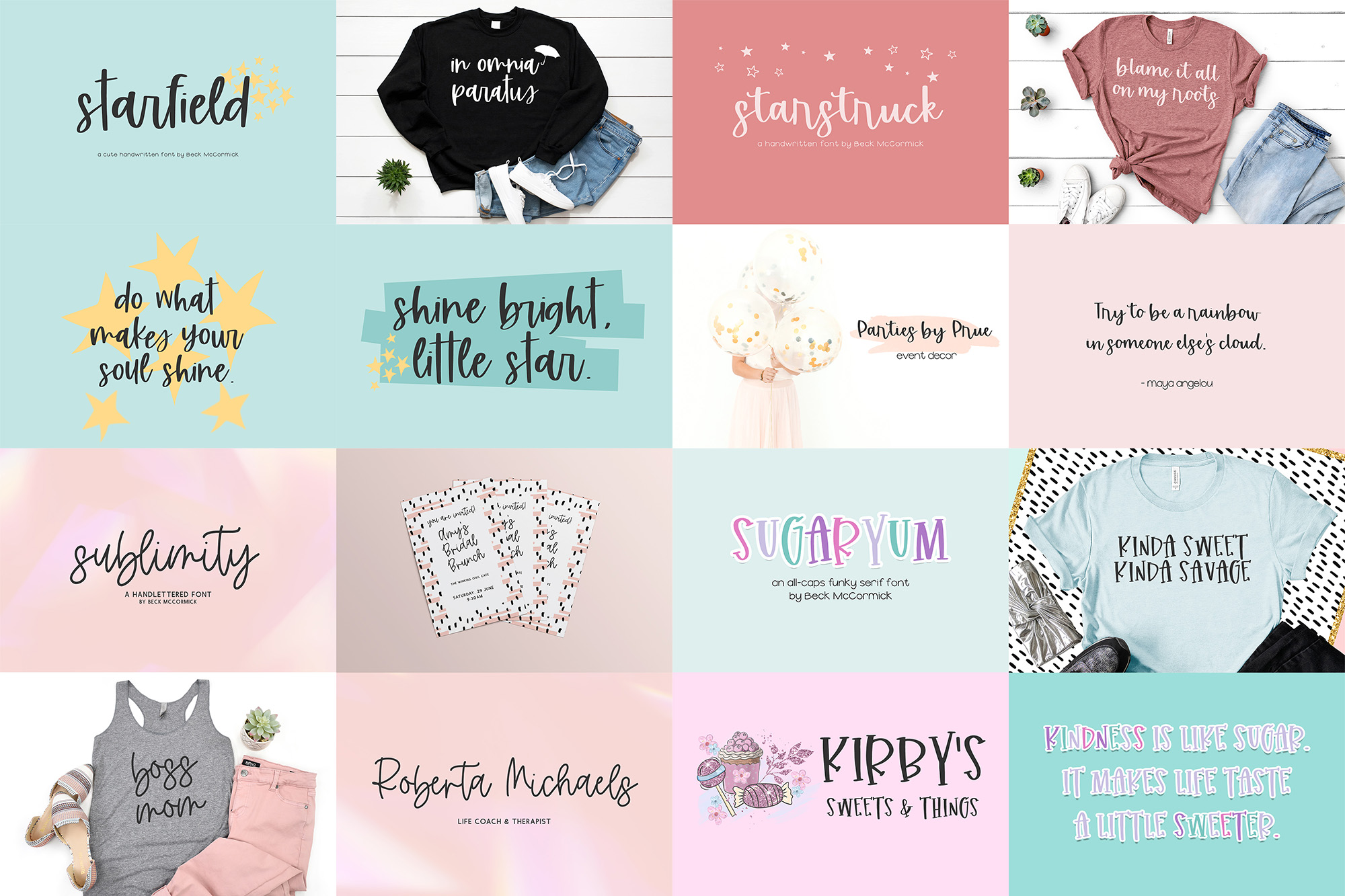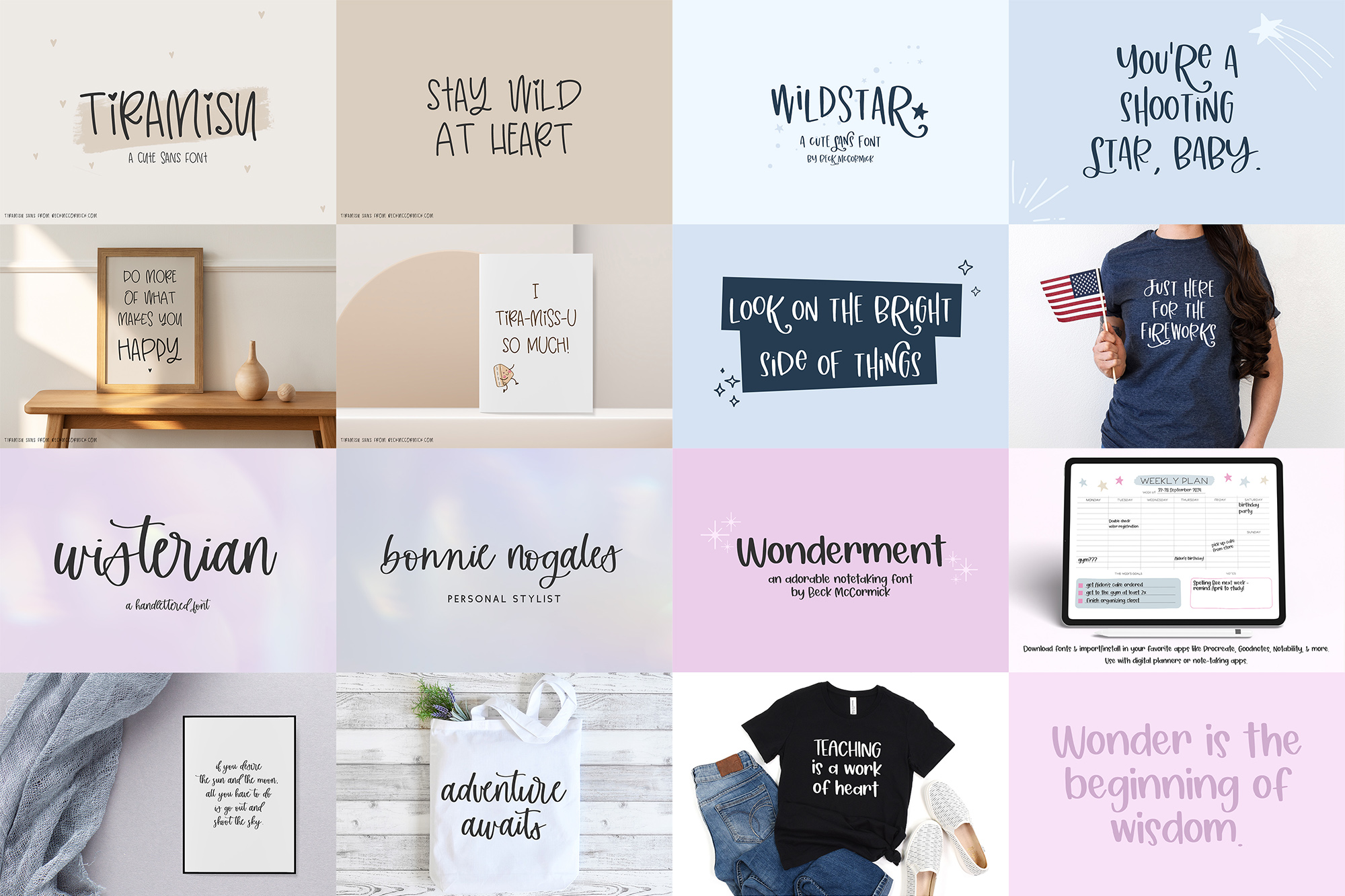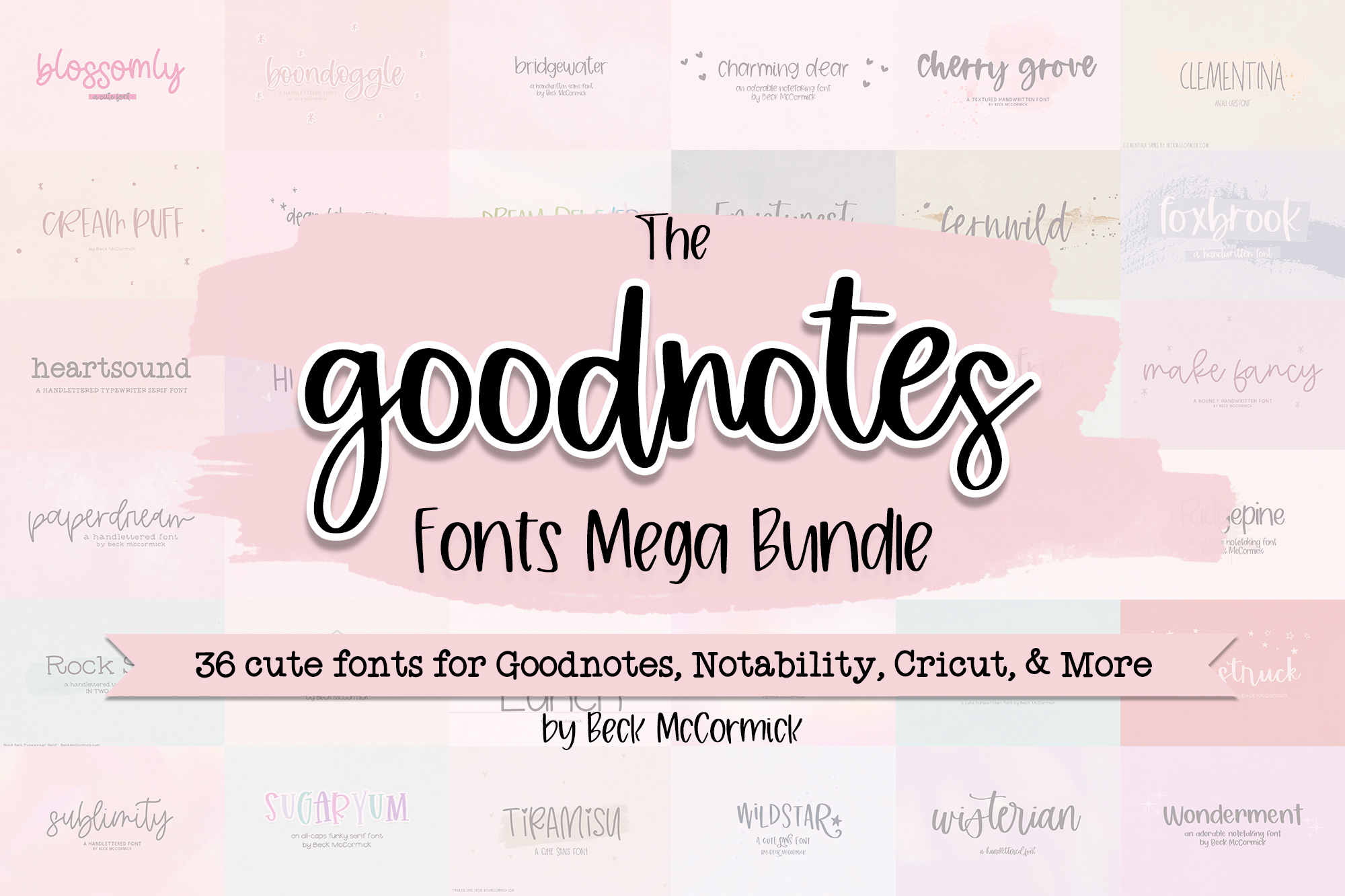
This bundle is licensed for desktop use only.
Webfont, e-pub, server, app, and embedding licenses are available for individual fonts! Those licenses can be purchased on the individual font’s product listing. Please feel free to send me a message if you have any questions!
Want to see how your text looks in this bundle's fonts? Use this preview tool!
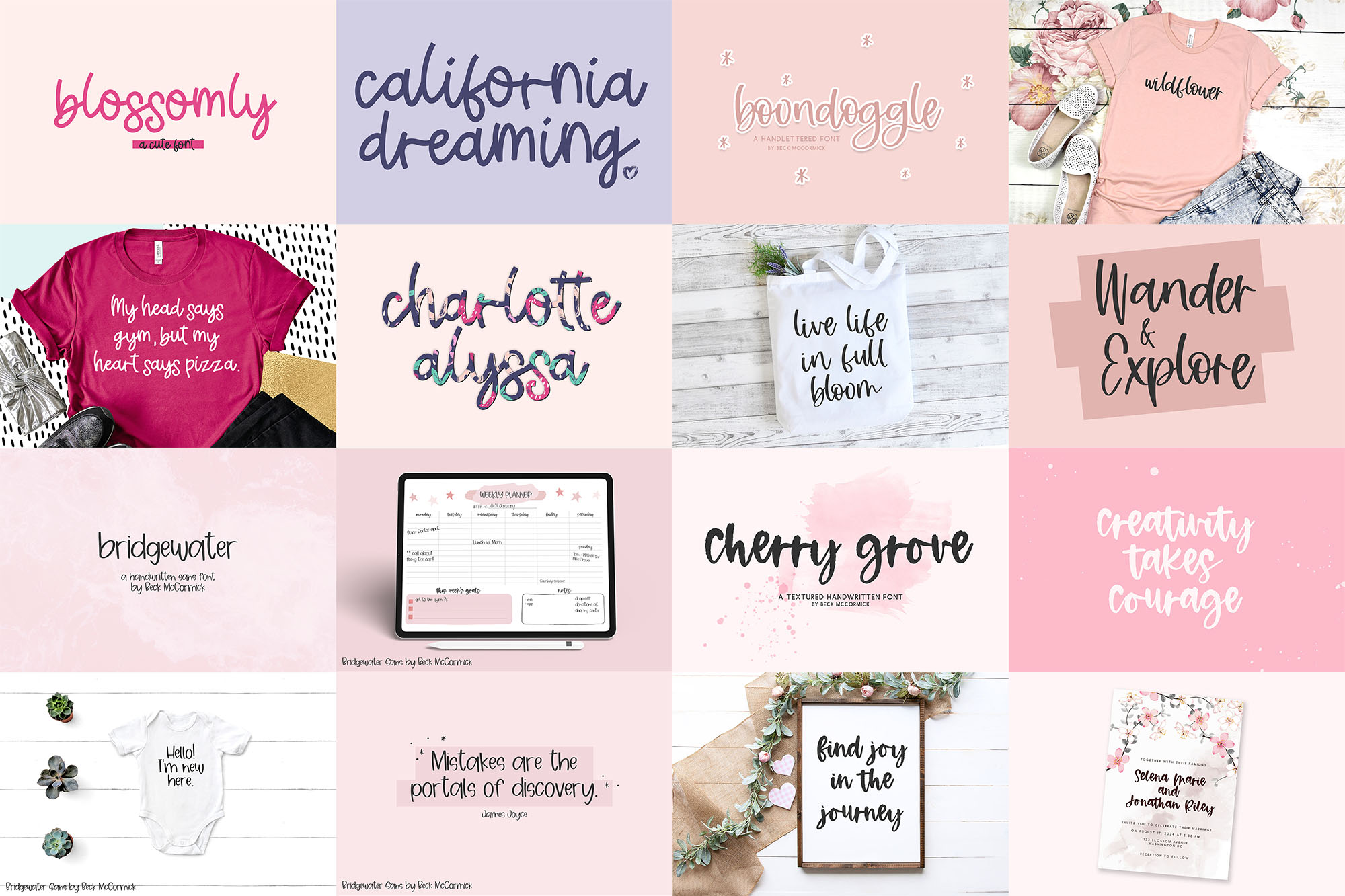
Blossomly Script
Boondoggle Script
Bridgewater Sans
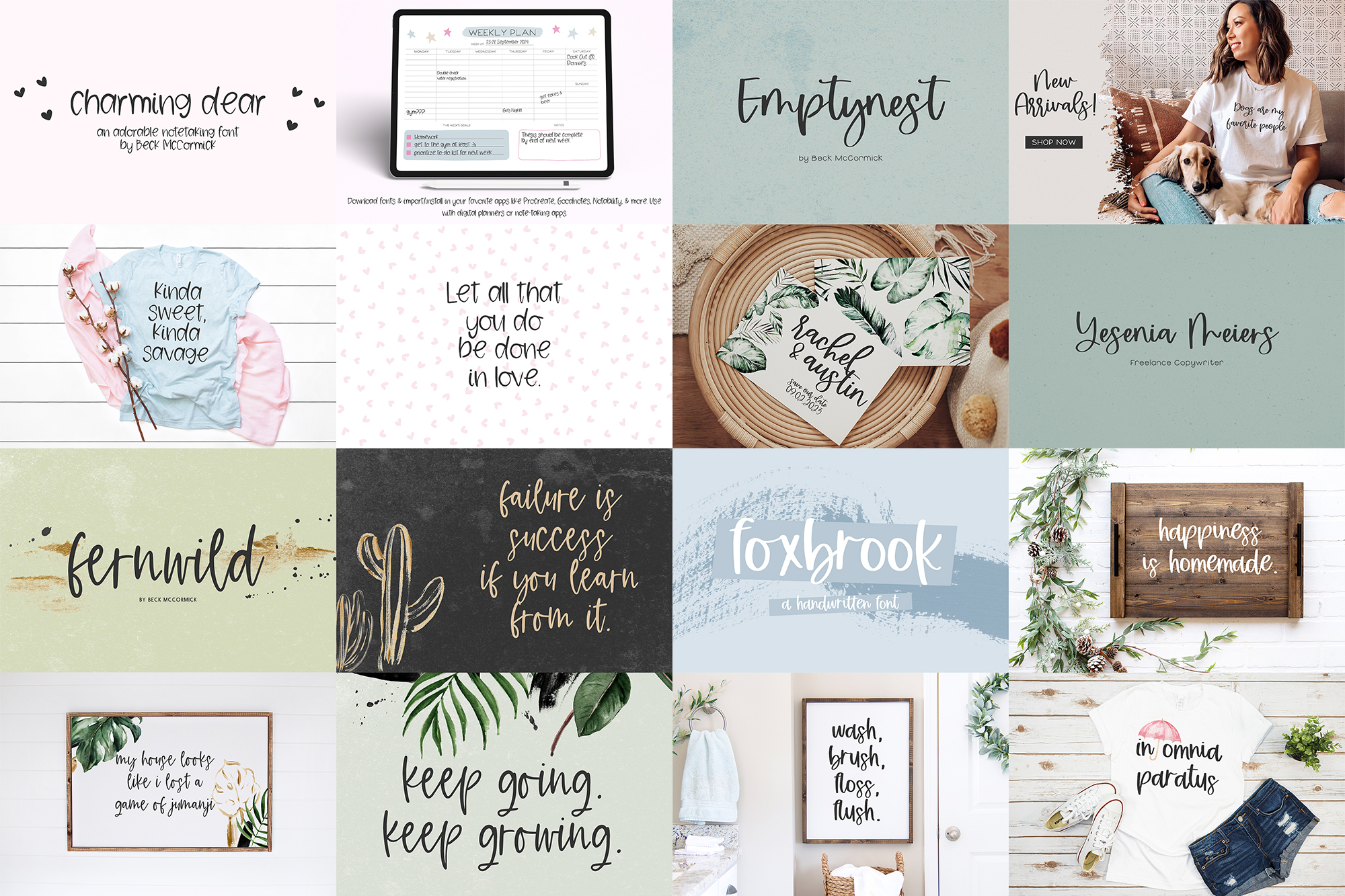
Charming Dear Sans
Cherry Grove Script
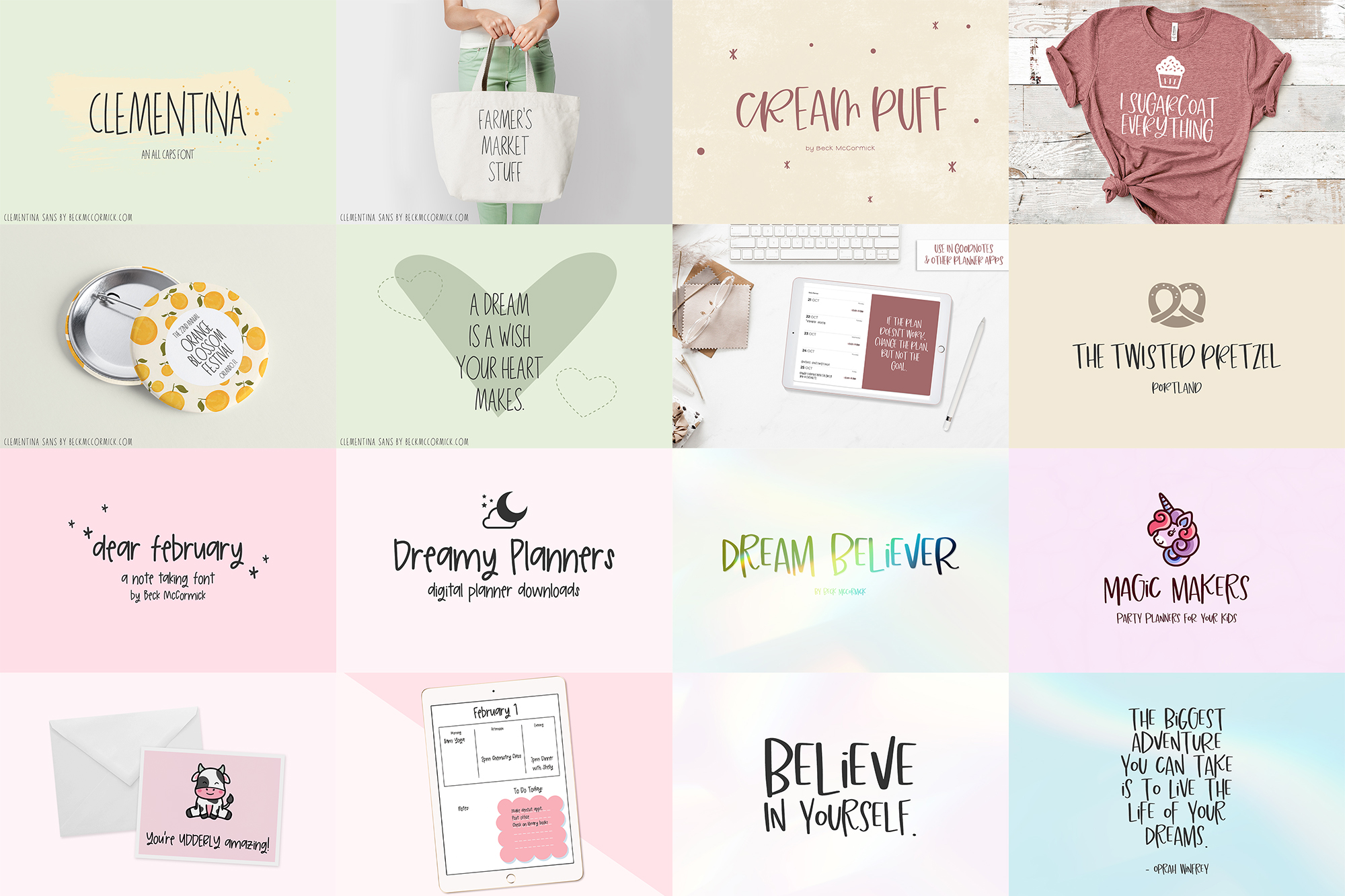
Clementina Sans
Cream Puff Sans
Dear February Sans
Dream Believer Sans
Emptynest Script
Fernwild Script
Foxbrook Script
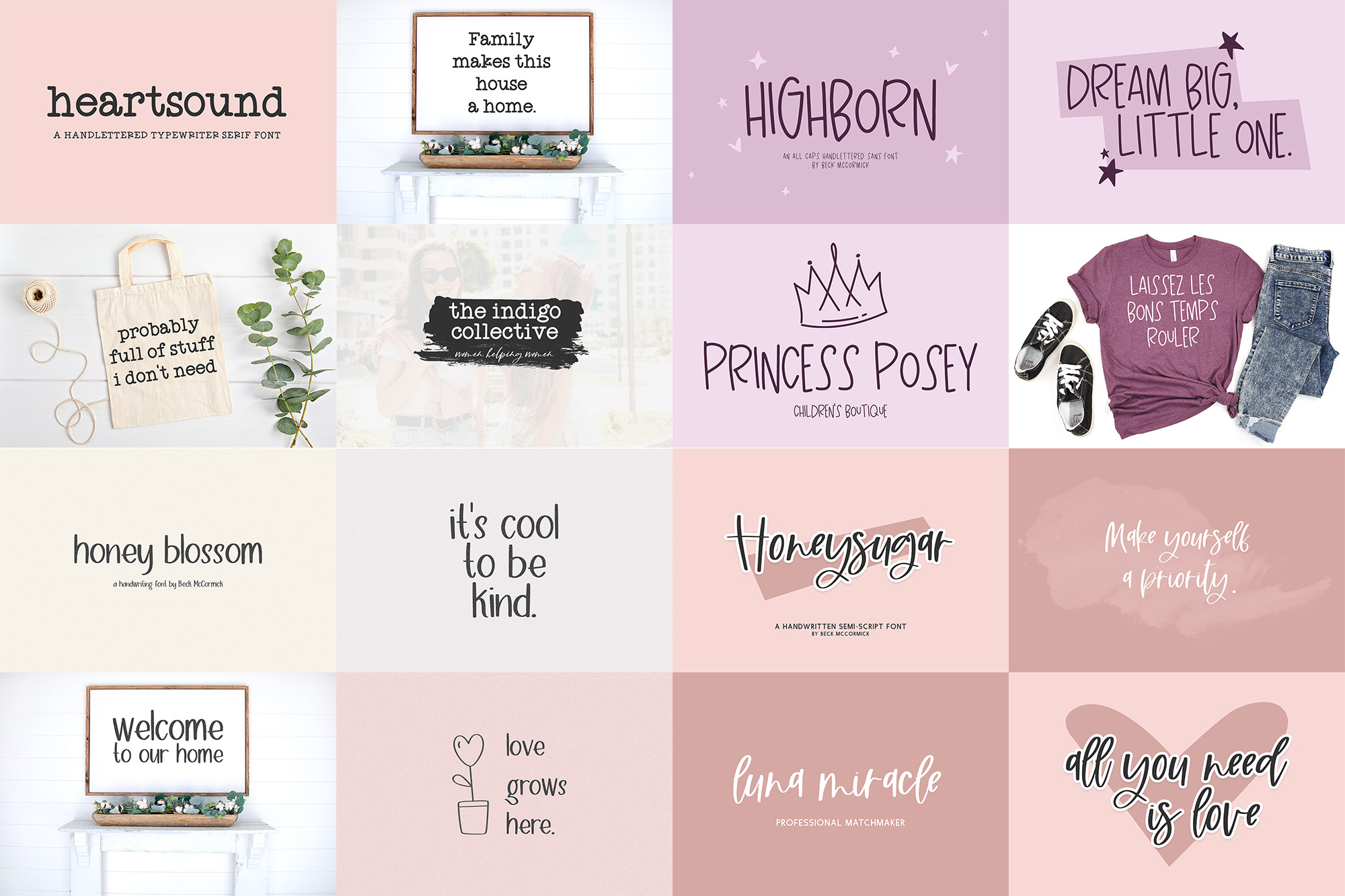
Heartsound Typewriter Serif
Highborn Sans
Honey Blossom Sans
Honeysugar Script
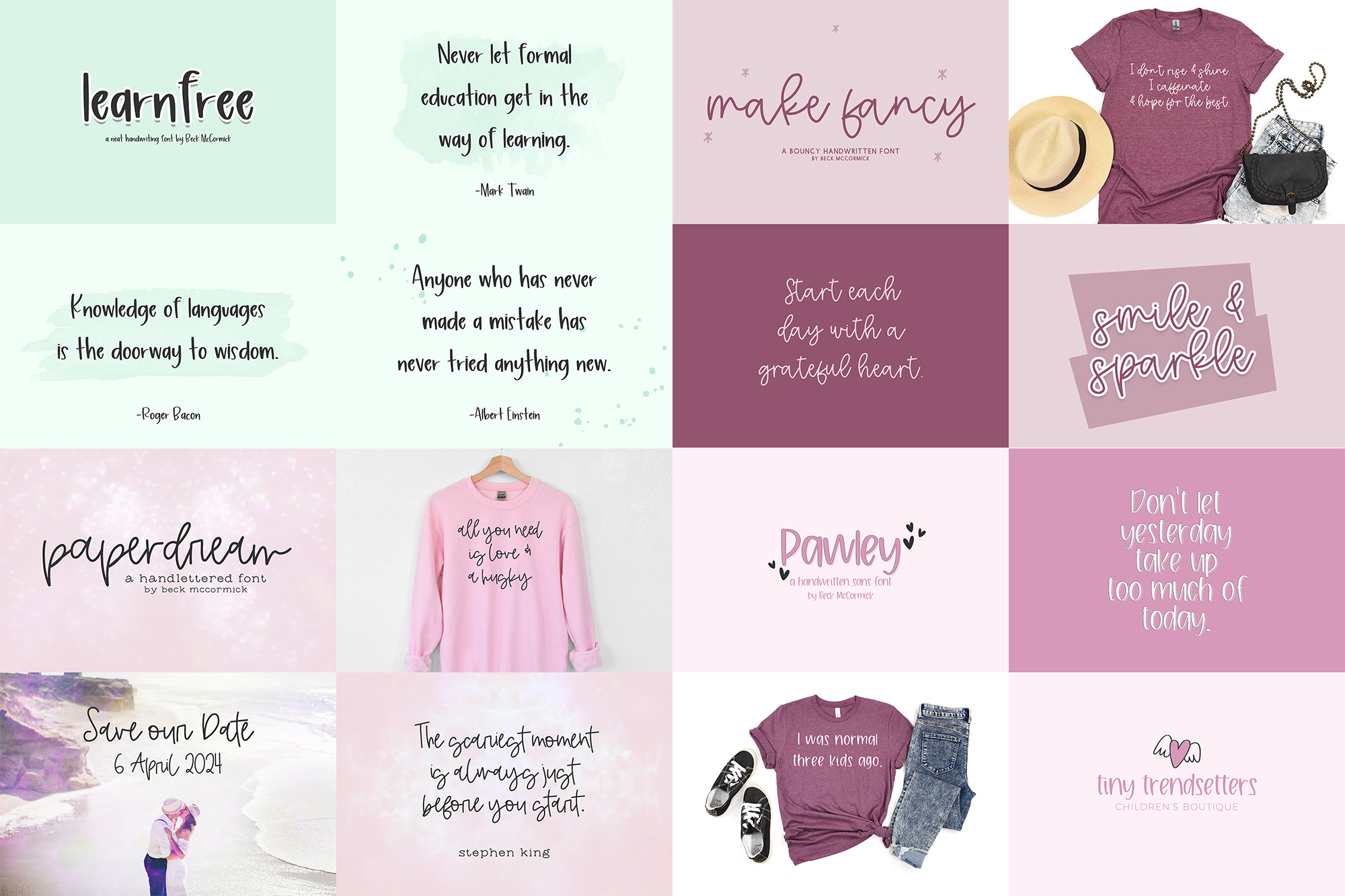
Learnfree Sans
Make Fancy Script
Paperdream Script
Pawley Sans
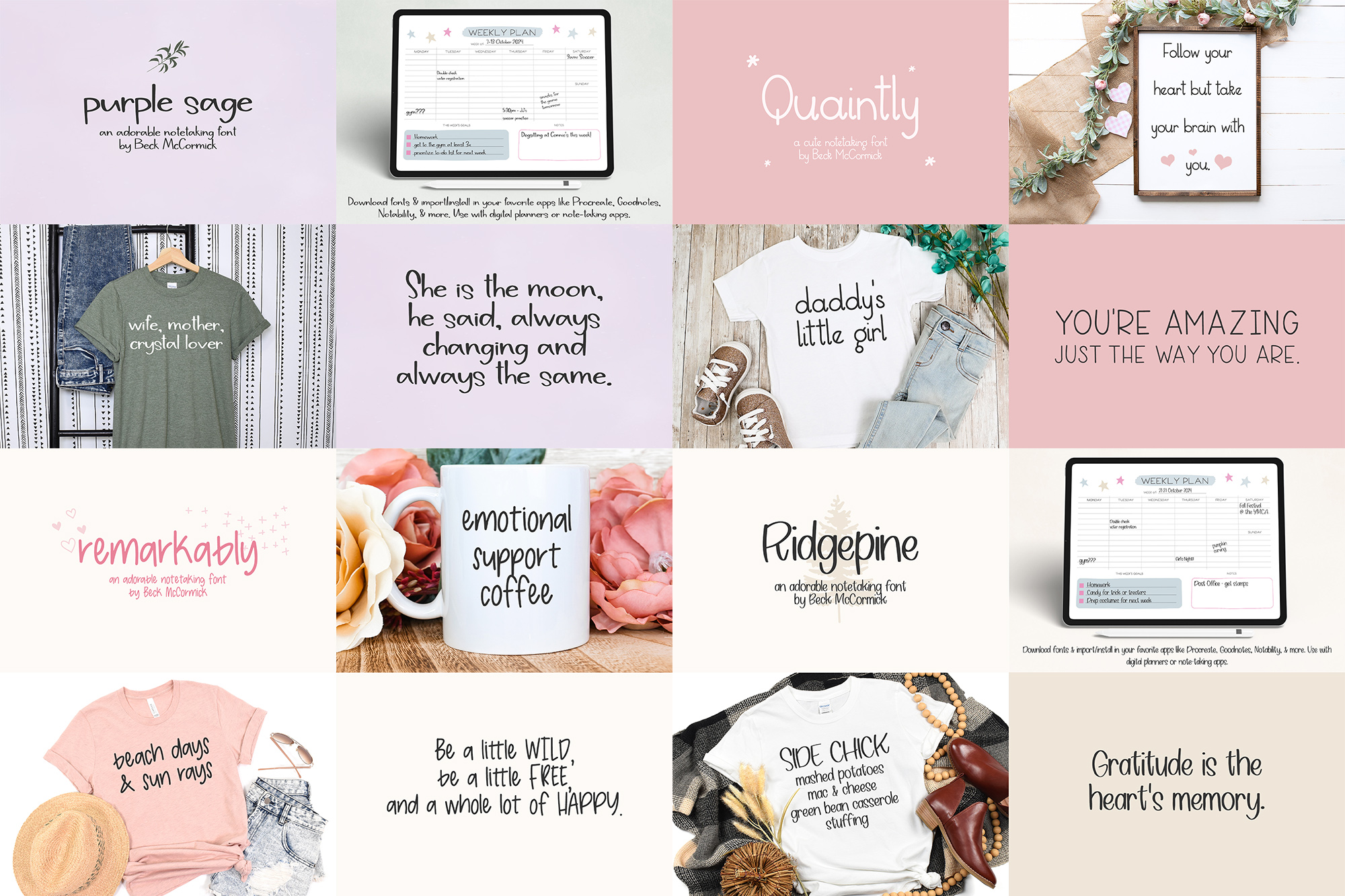
Purple Sage Sans
Quaintly Sans
Remarkably Sans
Ridgepine Sans
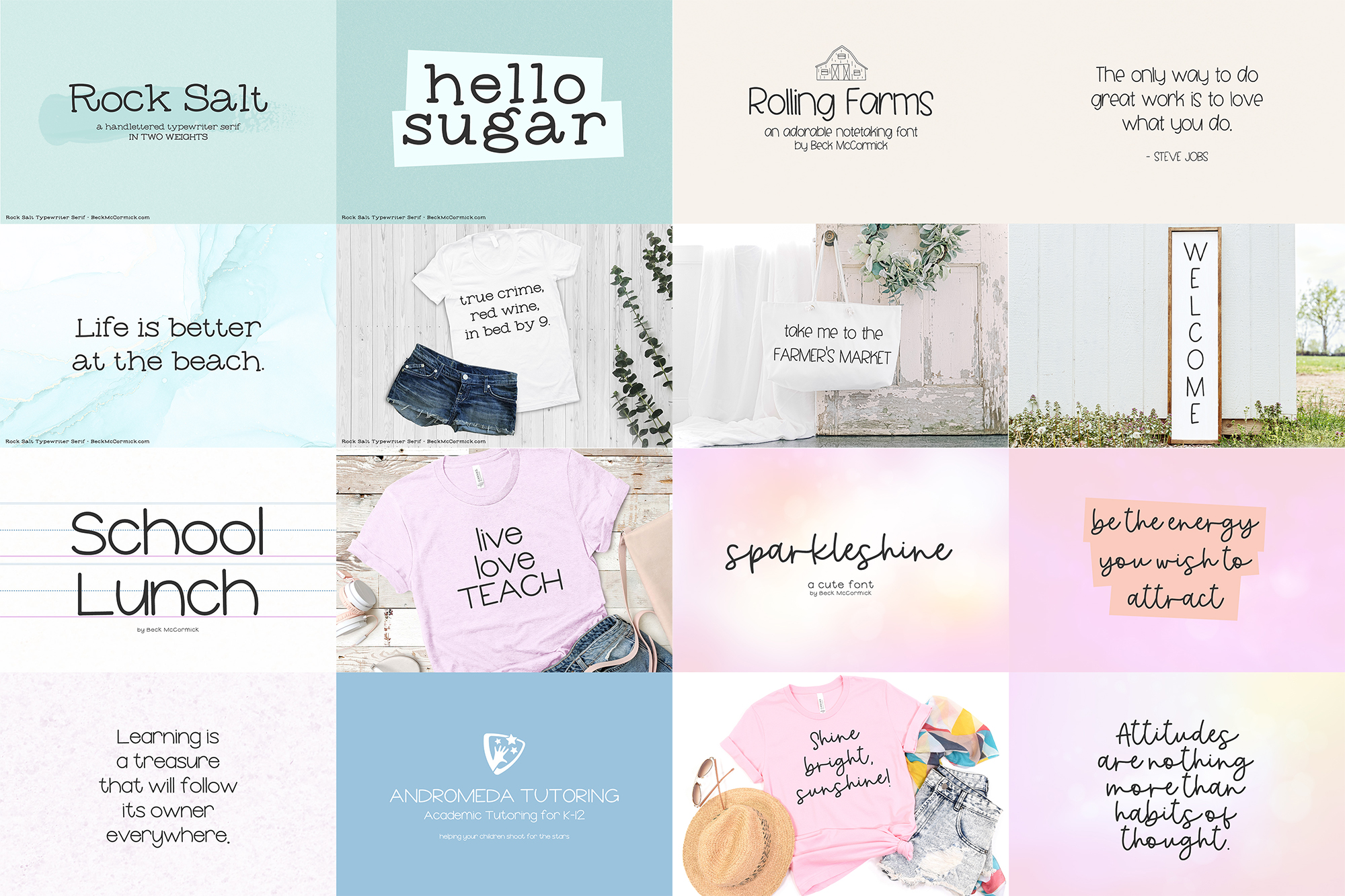
Rock Salt Typewriter Serif
Rolling Farms Sans
School Lunch Sans
Sparkleshine Script
Starfield Script
Starstruck Script
Sublimity Script
Sugaryum Serif
Tiramisu Sans
Wildstar Sans
Wisterian Script
Wonderment Sans
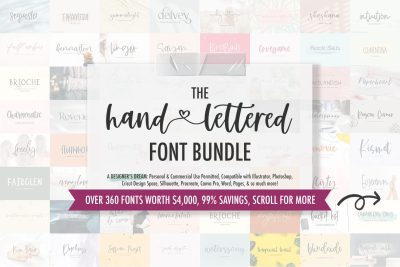
These fonts are also compatible with apps like Notability, and can be used with other design programs such as Illustrator, Photoshop, Cricut Design Space, Silhouette Studio, Procreate, Glowforge, Canva Pro, and various word processing programs like Word or Pages.
This bundle includes a wide variety of neat handwriting fonts that are legible and easy to read, as well as a selection of fun cursive fonts so that you can customize the look & feel of your digital planner with ease! These fonts are not just good for digital planning, though – you can also use them for creative projects such as logos & brand design, SVG designs for your business, farmhouse decor and crafts, marketing materials, social media graphics, t-shirt design, & so much more.
Before you purchase, please familiarize yourself with how to install fonts on your iPad or iPhone so that you can use it with Goodnotes!
How to Download Fonts on iPad/iPhone – Installing Custom Fonts
Please visit each individual font’s product listing to learn more about it by typing in the font name into the search bar of my shop, or feel free to reach out if you have any questions about what each font’s capabilities are!
You’ll receive the following fonts:
- Blossomly Script
- Boondoggle Script
- Bridgewater Sans
- Charming Dear Sans
- Cherry Grove Script
- Clementina Sans
- Cream Puff Sans
- Dear February Sans
- Dream Believer Sans
- Emptynest Script
- Fernwild Script
- Foxbrook Script
- Heartsound Typewriter Serif
- Highborn Sans
- Honey Blossom Sans
- Honeysugar Script
- Learnfree Sans
- Make Fancy Script
- Paperdream Script
- Pawley Sans
- Purple Sage Sans
- Quaintly Sans
- Remarkably Sans
- Ridgepine Sans
- Rock Salt Typewriter Serif
- Rolling Farms Sans
- School Lunch Sans
- Sparkleshine Script
- Starfield Script
- Starstruck Script
- Sublimity Script
- Sugaryum Serif
- Tiramisu Sans
- Wildstar Sans
- Wisterian Script
- Wonderment Sans
ADDITIONAL INFORMATION
The .otf and .ttf are standard, installable font files which you can use in any program that accesses the fonts installed on your computer. You only need to install ONE of these files; .otf is recommended.
You can use in any program that accesses your computer’s installed fonts! This includes programs like Word, Pages, Excel, Numbers, Publisher, Powerpoint, Photoshop, Illustrator, Cricut Design Space, Silhouette Studio, Procreate, & more. You may even upload to your own personal Canva account.
Please note that some fonts may not be suitable for your project or equipment, as it relates to vinyl cutting – specifically very thin fonts, or fonts that are heavily textured.
Many of my fonts include special OpenType features, like swashes, alternate characters, and ligatures. It is best to use software like Adobe CC programs (Photoshop, Illustrator) that ensure you can easily access those features. In the event that the program you use doesn’t readily support OpenType features, you can use FontBook or Character Map to copy/paste the exact characters you need! Although this does take a bit more time, it still gives you the opportunity to make full use of the font + its features!
All programs are not created equally!! Please ensure that you know your design program’s capabilities prior to purchase and whether or not OpenType features will be easily supported.