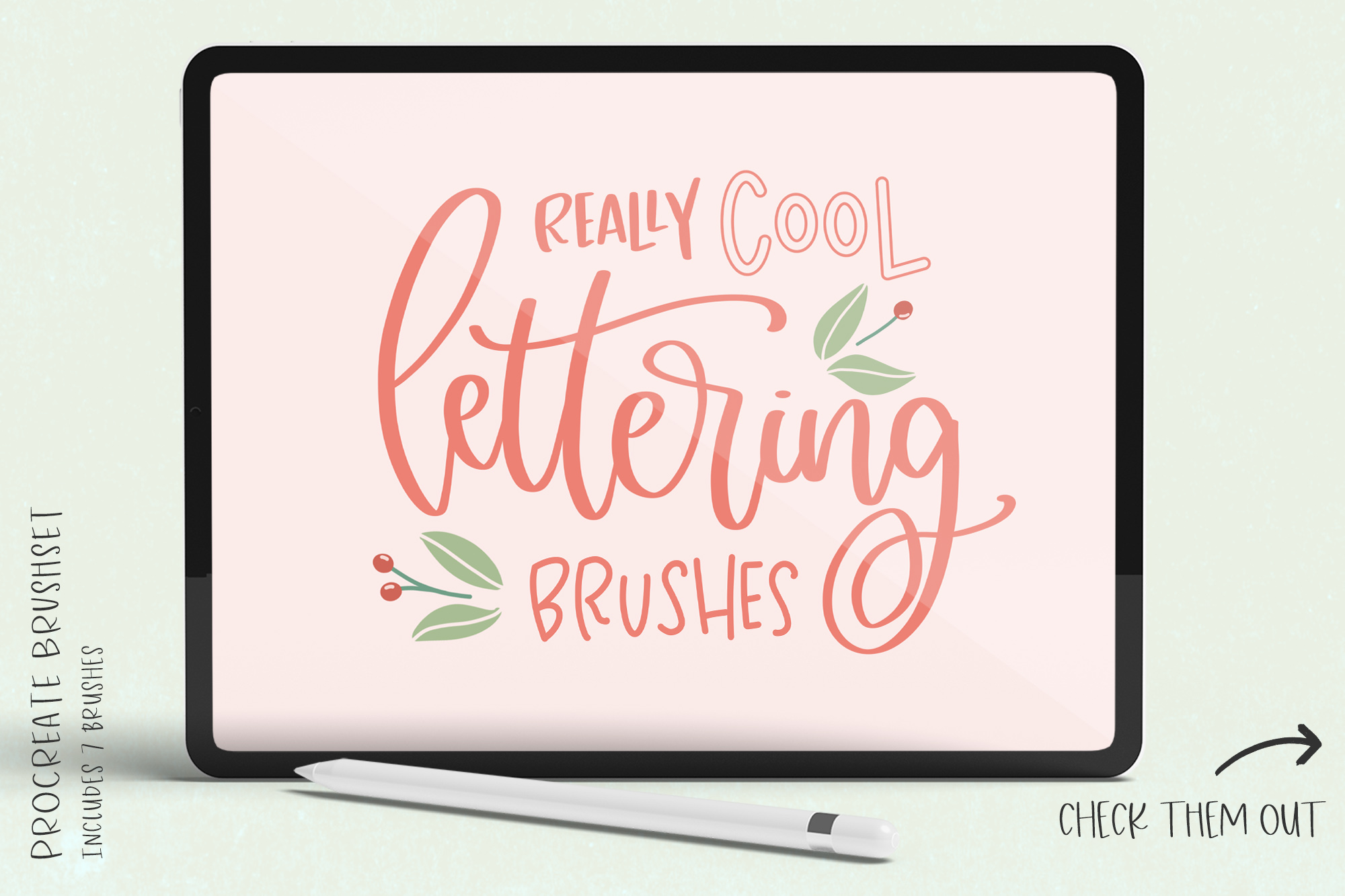
WHAT YOU GET:
• my Trusty Lettering Brush (my go-to brush for designing & lettering most of my fonts)
• Skinny Monoline Lettering Brush
• Inky Textured Calligraphy Brush
• Three Outline Lettering Brushes, plus another handy monoline brush that pairs expertly with the outline brushes!
WHAT YOU NEED:
• an iPad Pro
• an Apple Pencil
• the Procreate app
IMPORTANT INFORMATION:
• This item is compatible with Procreate only.
• An Apple Pencil is recommended as opposed to another stylus type, as some brushes are pressure sensitive. The Apple Pencil supports pressure sensitivity, but other stylus types may not.
• You must have basic knowledge of Procreate to install & use this item.
• I have provided instructions if this is your first time. See below, and please reach out with questions prior to your purchase if you are uncertain.
• This is a digital download; no physical item will be shipped.
HOW TO DOWNLOAD + INSTALL:
1. You’ll receive a download link in the email confirming your purchase. Tap the download link.
2. Locate your download (typically, the Files app unless you choose to save elsewhere), unzip, & tap the .brush file. It will import to Procreate automatically.
3. You can find your .brush purchase by looking in Procreate’s brush selection tool located by default in the upper right corner of the app.
IMPORTANT: If you download on a desktop/laptop computer, you can Airdrop the .brush file to your iPad, or email the .brush file to yourself and open/download through your Mail app on your iPad.
LICENSE:
You may use this Procreate brush to create artwork in Procreate for personal & commercial purposes.
Do not resell or redistribute this brush.
© Beck McCormick | All Rights Reserved
