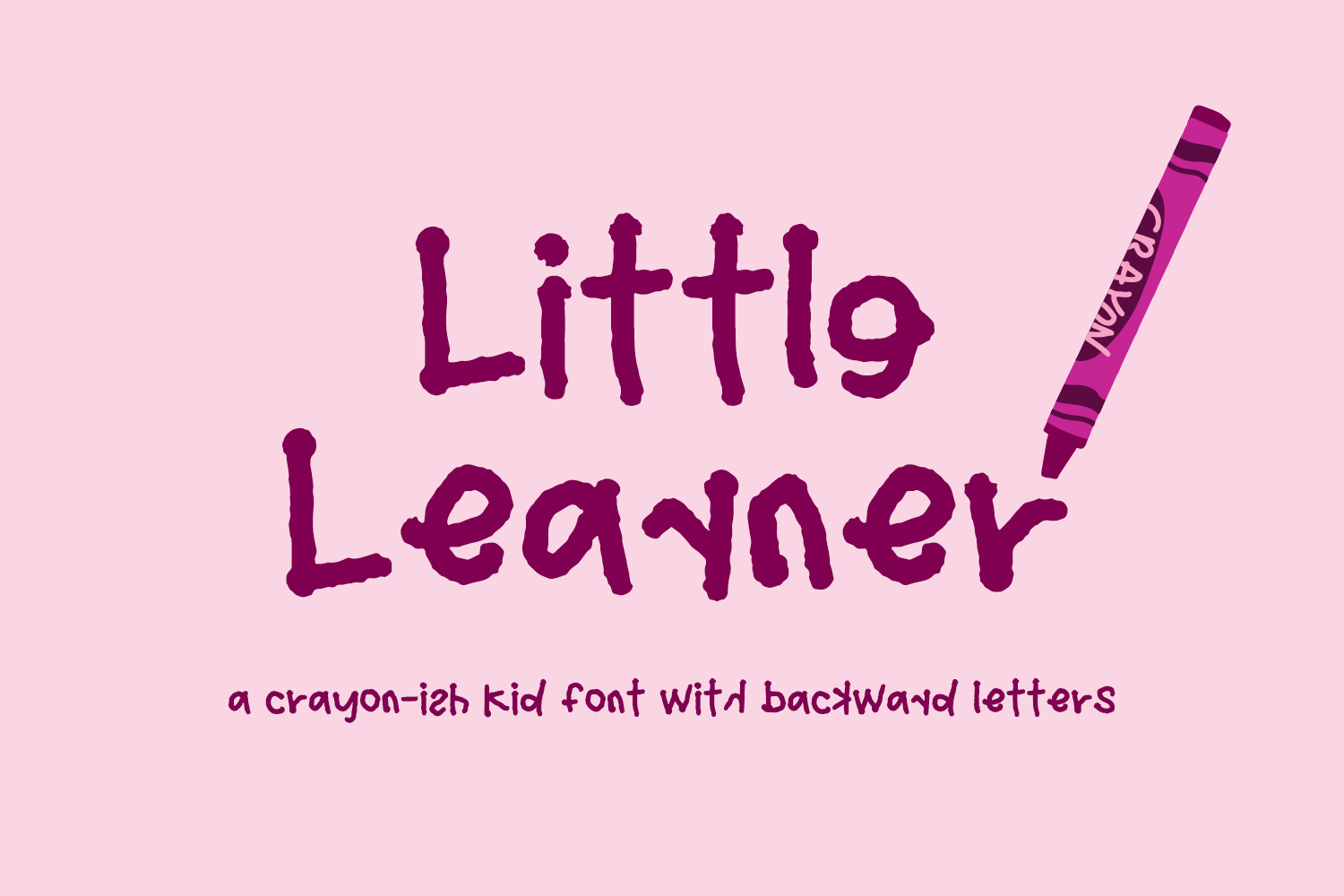
Want to see how your text looks in Little Learner Sans Font? Use this preview tool!
Example Below
Note: Use software like Adobe Photoshop or Illustrator to easily access the backward letters in the Glyphs panel. You can also use the copy/paste method if your software doesn’t support easy access to OpenType features like the backward letters. On a Mac, use FontBook to find & copy the character, and paste into your design. On a PC, use Character Map to find & copy the character, and paste into your design.
Little Learner includes:
– full upper + lowercase characters
– numbers + punctuation
– PUA-encoding
– 54 alternate characters – A-Z, a-z plus Þ and ẞ
– Western European language support – English, French, Spanish, Portuguese (Brazil), Portuguese (Portugal), Italian, German (Germany), German (Austria), Dutch, Danish, Swedish, Norwegian (Bokmål and Nynorsk), Finnish, Icelandic, Irish, Welsh
– .otf, .ttf, and webfont files
Little Learner can be used with graphic design programs such as Illustrator or Photoshop, word processing programs like Pages or Word, Cricut Design Space, Silhouette, Procreate, Canva Pro, Glowforge, GoodNotes, & more. This font is an installable for desktop & laptop machines, as well as iPads or iPhones. See below for links to help with installation.
For information on installing fonts:
Installing Fonts
For information on OpenType features:
https://beckmccormick.com/accessing-opentype-features/